


Visit the Elgato Store
Elgato 4K S – External Capture Card for PS5, Xbox Series X/S, Switch 2, PC, Mac, iPad | 4K60, 1440p120, or 1080p240 Passthrough and Capture, HDR10, VRR, USB-C, Near-Zero Latency
Brand: Elgato
Hardware Interface: USB 3.0 Type C
Video Capture Resolution: 1080p
Operating System: Windows 11
Recommended Uses For Product: Video Recording
4K60 Capture: Record in cinematic quality with crisp detail and vivid colors
HFR Support: Play and capture in 1440p120 or 1080p240
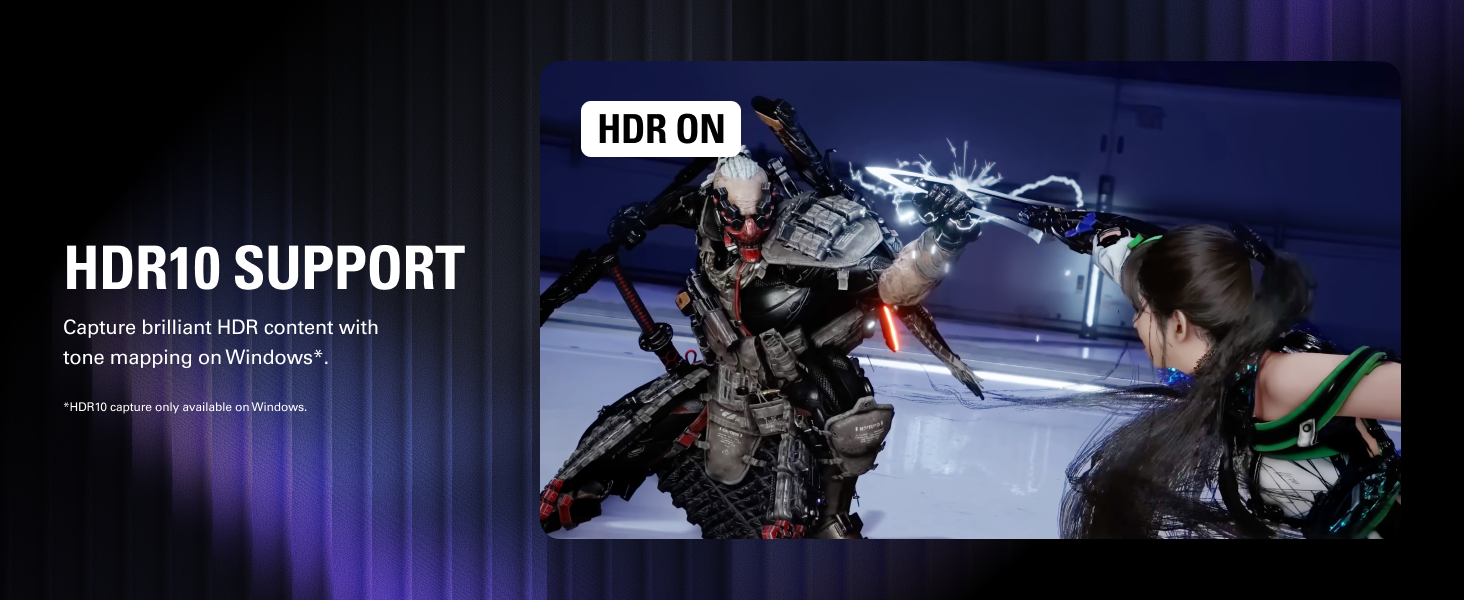
HDR10 Support: Capture brilliant HDR content with tone mapping on Windows
Cross-Platform Compatible: Works with PS5, Xbox Series X/S, Switch 2, and more
Analog Audio In: Capture in-game chat or commentary with 3.5mm input


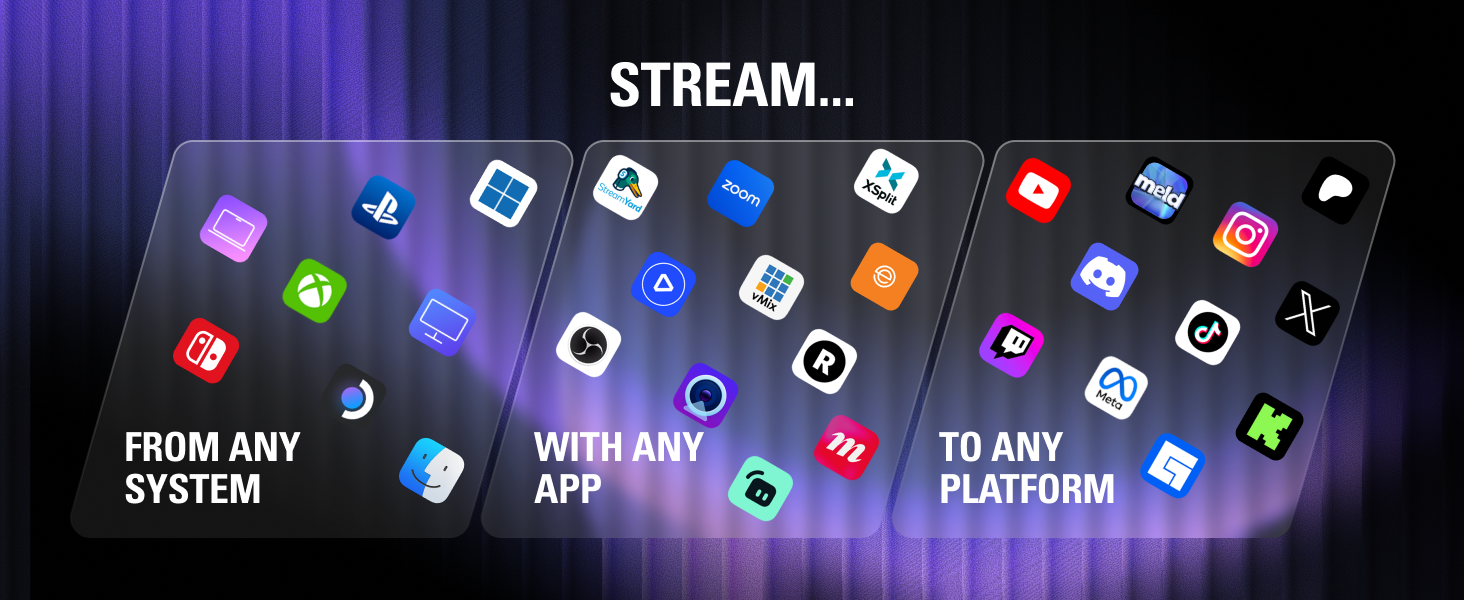


4K S is fully compatible with OBS Studio right out of the box. Just connect via USB, add it as a video source, and start streaming in up to 4K60 with near-zero latency.
Your Setup will recognizes 4K S instantly. No drivers required. Windows, Mac, iPad*. HDMI 2.0 and USB-C cables included
*iPad with USB-C port
With 4K S and Chat Link Pro*, you can effortlessly stream or record voice and gameplay audio from your Switch 2 or PS5. Simply plug in 4K S, connect your controller and headset, and you’re all set.
COMPARE CAPTURE CARDS
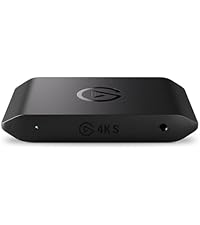


4K S
4K X
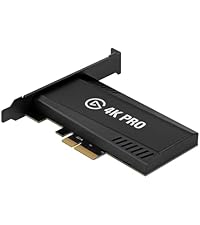
4K Pro
Game Capture Neo
Is 4K S compatible with Nintendo Switch 2, PlayStation 5, Xbox Series X|S?
Can I use 4K S for a dual-PC streaming setup?
Why am I getting black or no video from my PlayStation 5?
Can I capture party chat using the 3.5 mm input on 4K S?
Can I use 4K S with a phone or tablet?
Is 4K S compatible with Nintendo Switch 2, PlayStation 5, Xbox Series X|S?
Of course! 4K S works with any console that uses HDMI. Just plug it in and you're ready to start recording or streaming.
Can I use 4K S for a dual-PC streaming setup?
Absolutely. Just connect your gaming PC to 4K S with HDMI, then plug the card into your streaming PC over USB.
Why am I getting black or no video from my PlayStation 5?
PlayStation 5 has HDCP (copy protection) enabled by default. Go to Settings > System > HDMI, and turn off HDCP.
Can I capture party chat using the 3.5 mm input on 4K S?
Yep. Use Chat Link Pro to capture party chat from Switch 2, PlayStation 5, or Xbox. Just connect it to your controller, then plug into the 3.5 mm input.
Can I use 4K S with a phone or tablet?
Yep! 4K S works with iPads that support high-speed USB-C. Just connect and open the Elgato Capture app to start recording or streaming.