


Visit the Logitech Store
Logitech MX Master 4, Ergonomic Wireless Mouse with Advanced Performance Haptic Feedback, Ultra-Fast Scrolling, USB-C Charging, Bluetooth, Windows, MacOS - Graphite
Brand: Logitech
Color: Graphite
Connectivity Technology: Bluetooth, Radio Frequency, USB
Special Feature: Lightweight, Programmable Buttons, Rechargeable, Soundless, Wireless
Movement Detection Technology: Optical
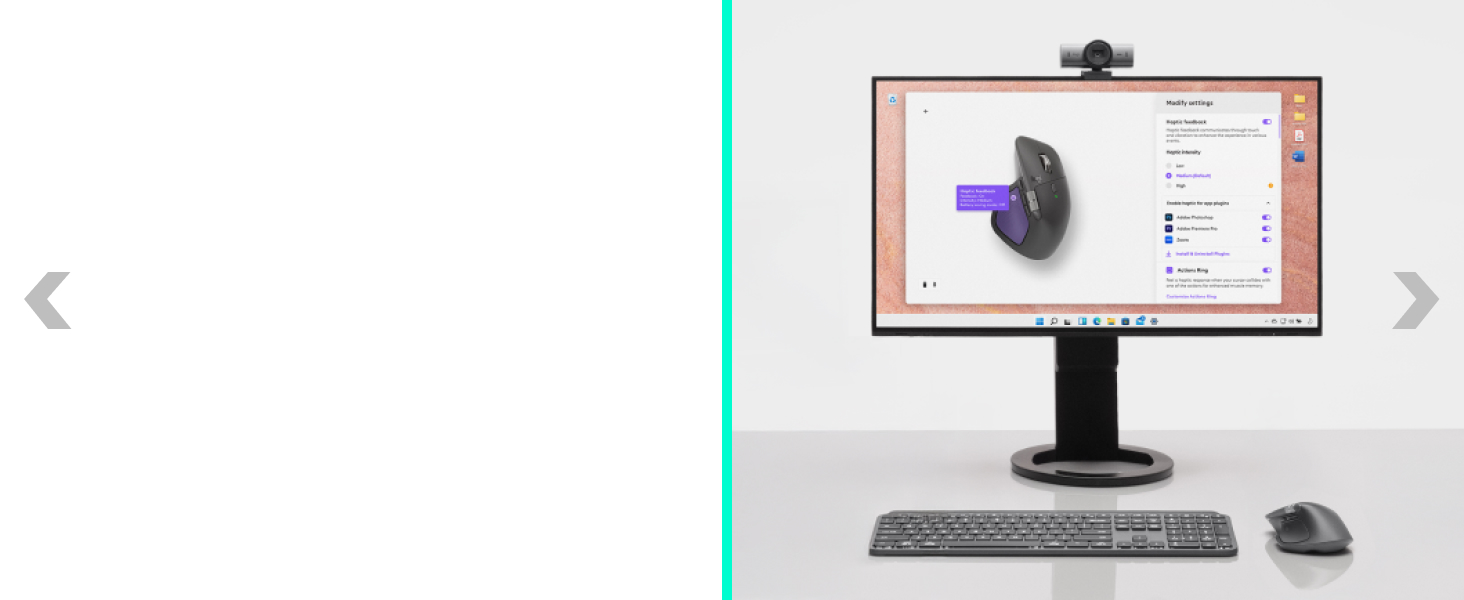
Precision you can feel with the Haptic Sense Panel; customizable (1) haptic feedback on specific actions, shortcuts, notifications enhancing productivity on this wireless Bluetooth mouse
Effortlessly access favorite tools with Actions Ring (2) on this MX Series mouse—a dynamic, customizable overlay adapts to each app, placing most used filters, adjustments, and shortcuts at your cursor
Scroll 1,000 lines per second and stop on a pixel with the MagSpeed scroll wheel—Logitech’s fastest (3), quietest, and most precise (4) scrolling experience
Enjoy 2X more powerful connectivity (7) with a USB-C dongle, advanced radio chip, and optimized antenna for faster, stronger, reliable performance—or use Bluetooth for more versatility
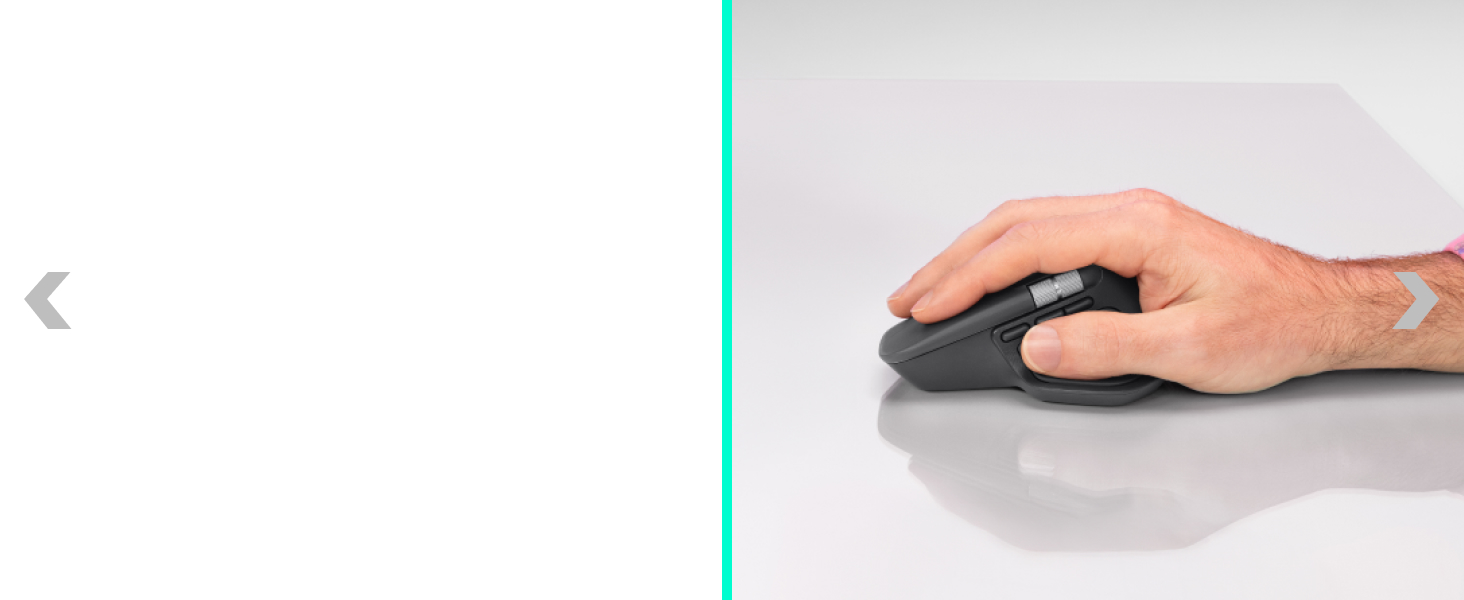
Ergonomic mouse designed for comfort, MX Master 4 keeps you in flow with a natural tilt, intuitive buttons, and a thumb scroll wheel that reduces hand stress for fluid navigation
Quiet Clicks on MX Master 4 reduce noise and distractions, offering a soft, satisfying feel with 90% less click noise (8)—perfect for focused workflows
Get a complimentary 1-month Adobe Creative Cloud subscription with your purchase of MX Master 4
Designed for a positive future: Plastic parts include recycled plastic - 54% Graphite; 48% Pale Grey (12); 100% recycled cobalt in the battery; built to last with improved stain resistance (7)
This is a modal window.

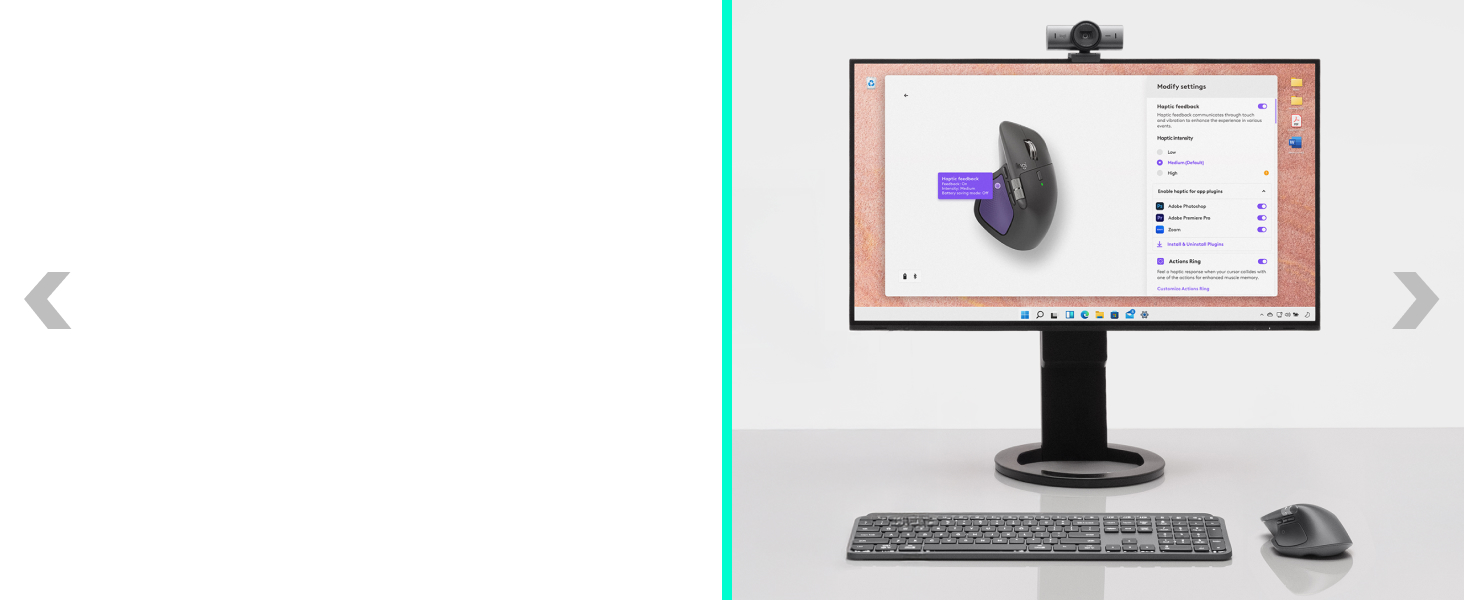
Experience tactile feedback, offering precision and customizable control (1) for an immersive workflow.
(1) Requires Logi Options+ app, available for Windows and macOS at app.logi.com
with Logi Options+ (1). Assign haptic feedback to the Actions Ring, Smart Actions and more. Use plugins for 3rd party apps and adjust feedback intensity.

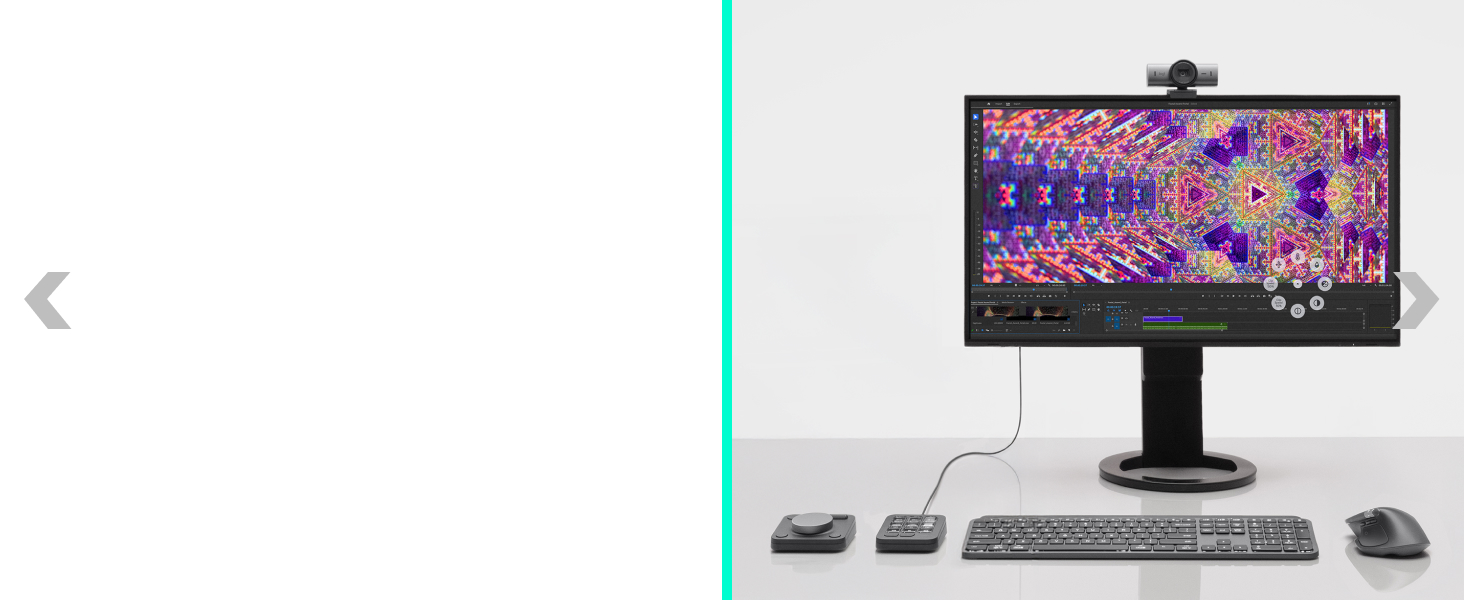

Your favorite tools, shortcuts, and actions at the tip of your cursor through a dynamic overlay that adapts to the app you’re using (1).
Streamline navigation by cutting time from searching menus for shortcuts, tools, and actions to stay immersed in your workflow.
(2) Logitech Ergo Lab study (2025)
Tailor your Actions Ring with plugins for third-party apps and personalized shortcuts, tools, and actions designed for your workflows (1).

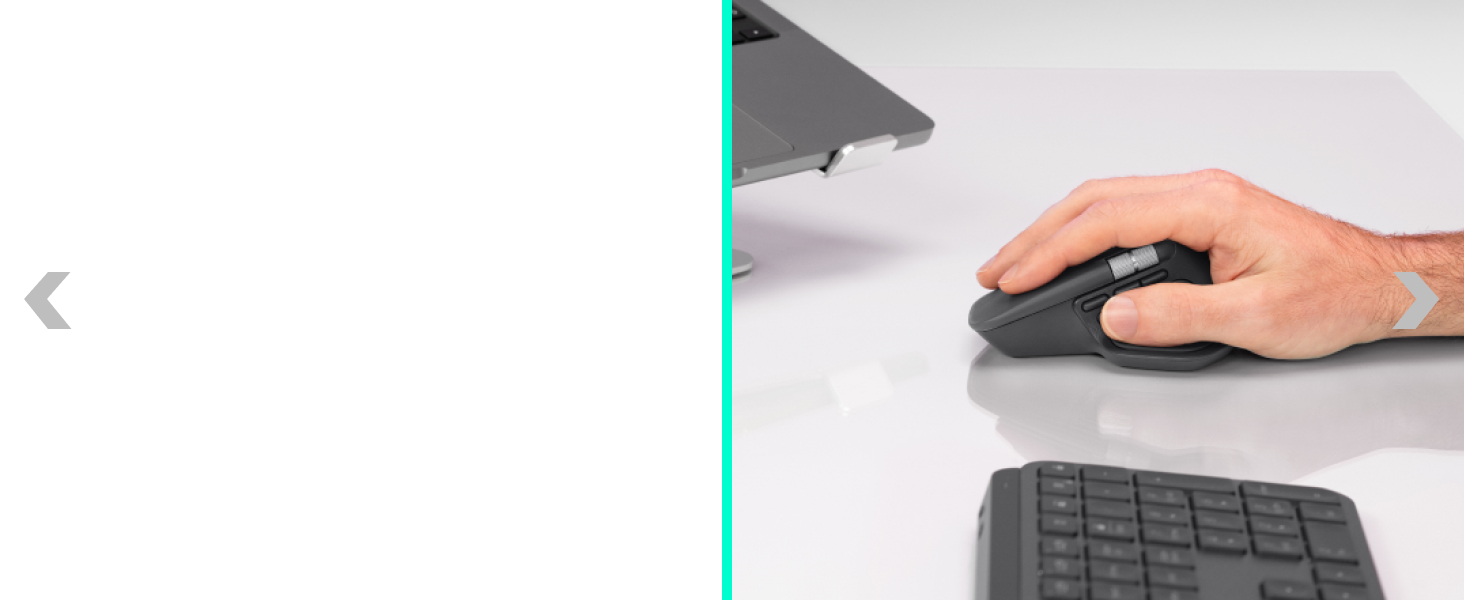
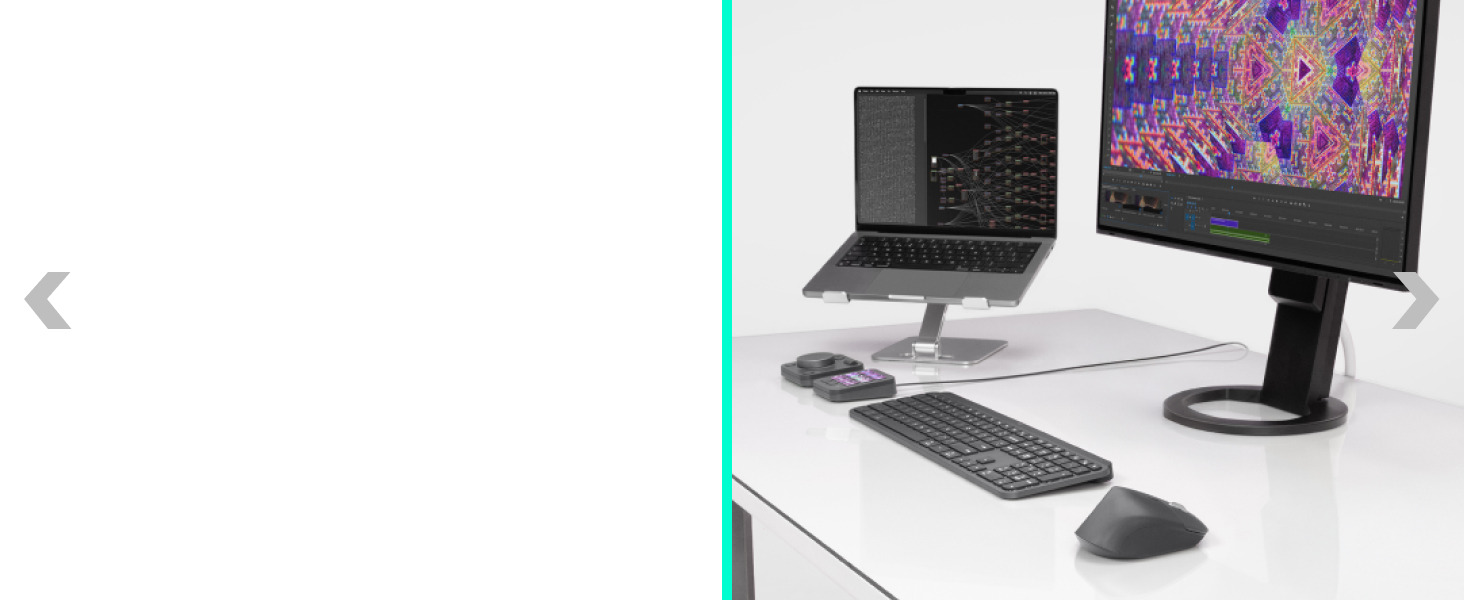
With the MagSpeed scroll wheel. 87% more precision(3) and 90% more speed(4) with its 2 modes: ratchet & hyper fast scroll.
(3)Compared to Logitech Master 2S mouse
(4)Compared to regular Logitech mouse
with an 8K DPI sensor with customizable sensitivity (1) for precision on large screens. Logitech’s most accurate sensor is 5x more precise than a basic mouse.
(5) 4 mm minimum glass thickness.
For faster, more reliable performance. Powered by an advanced radio chip, optimized antenna placement, and a new USB-C dongle.
(7) Compared to MX Master 3S
Quiet clicks deliver a satisfying feel – but with 90% less click noise (8) . You’ll get the same performance and precision you’ve come to expect.
(8) Compared to MX Master 3, left and right click.

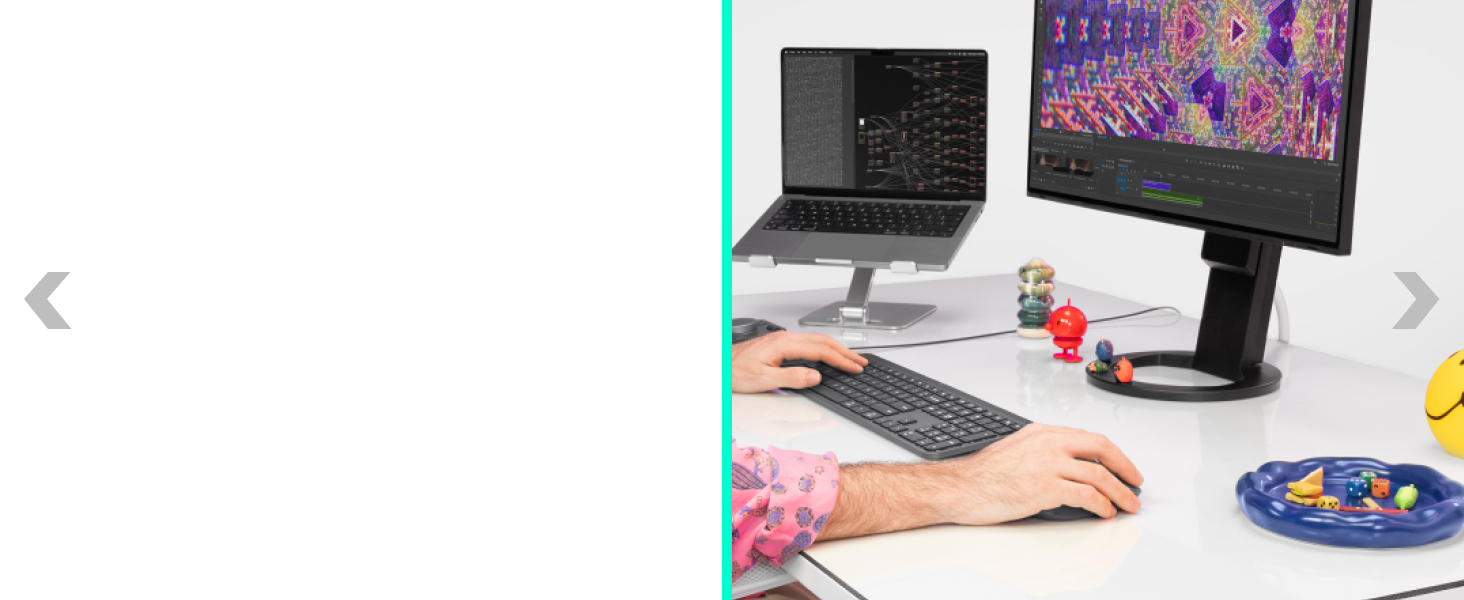
using shortcuts and app presets for editing, designing, or coding. Automate workflows with Smart Actions and expand functionality through powerful plugins
MX Master 4’s tilt angle supports natural arm posture, and intuitive button placement reduces strain — keeping you comfortable and focused for longer.
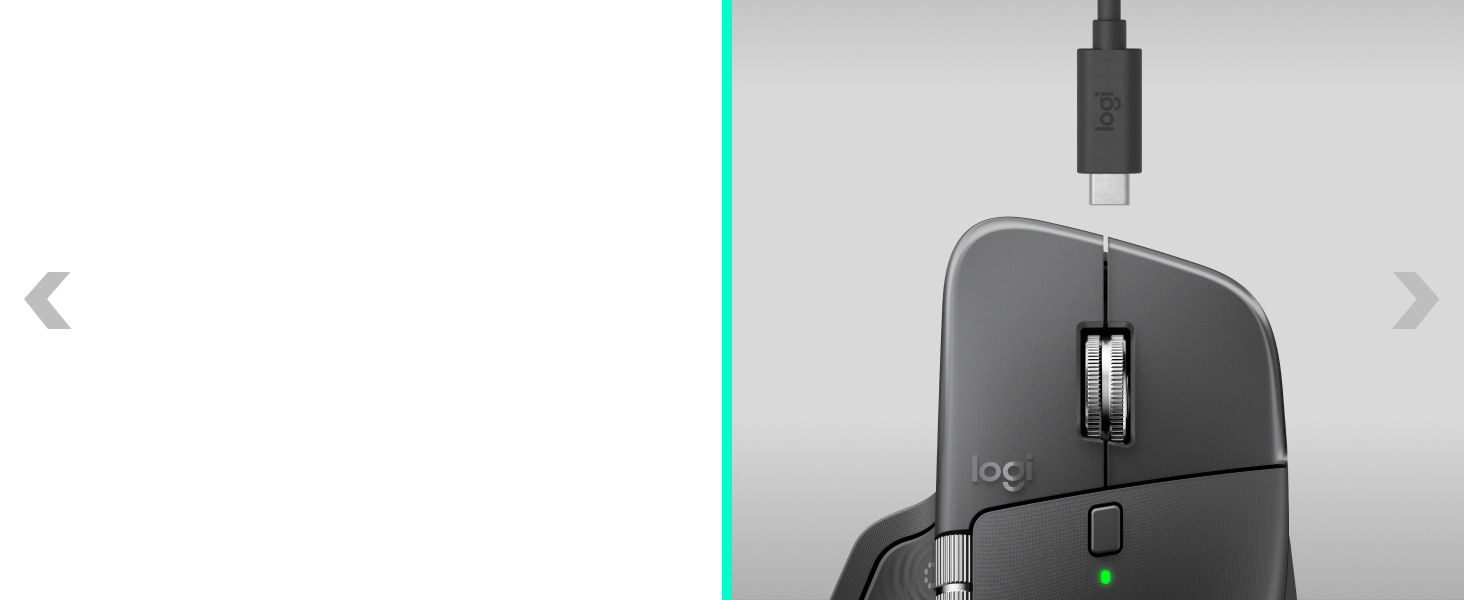
Stays powered for up to 70 days on a full charge – and gets 3 hours of use from a 1-minute quick charge (10). Work while you recharge with an USB-C cable (not included).
(10) Battery life may vary
Connect with up to 3 devices and switch between them via Actions Ring or Easy-switch buttons. Transfer files across devices seamlessly with Logi Options+.

Get a complimentary 1-month Adobe Creative Cloud subscription with your purchase of MX Master 4.
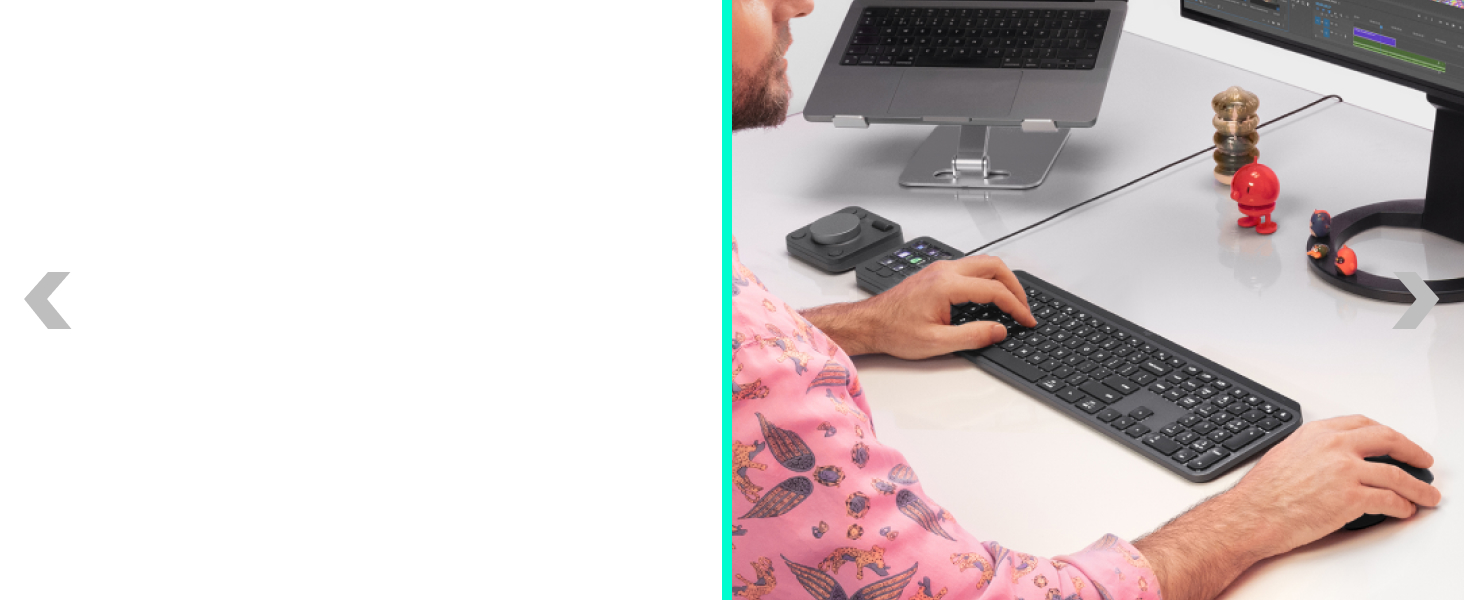
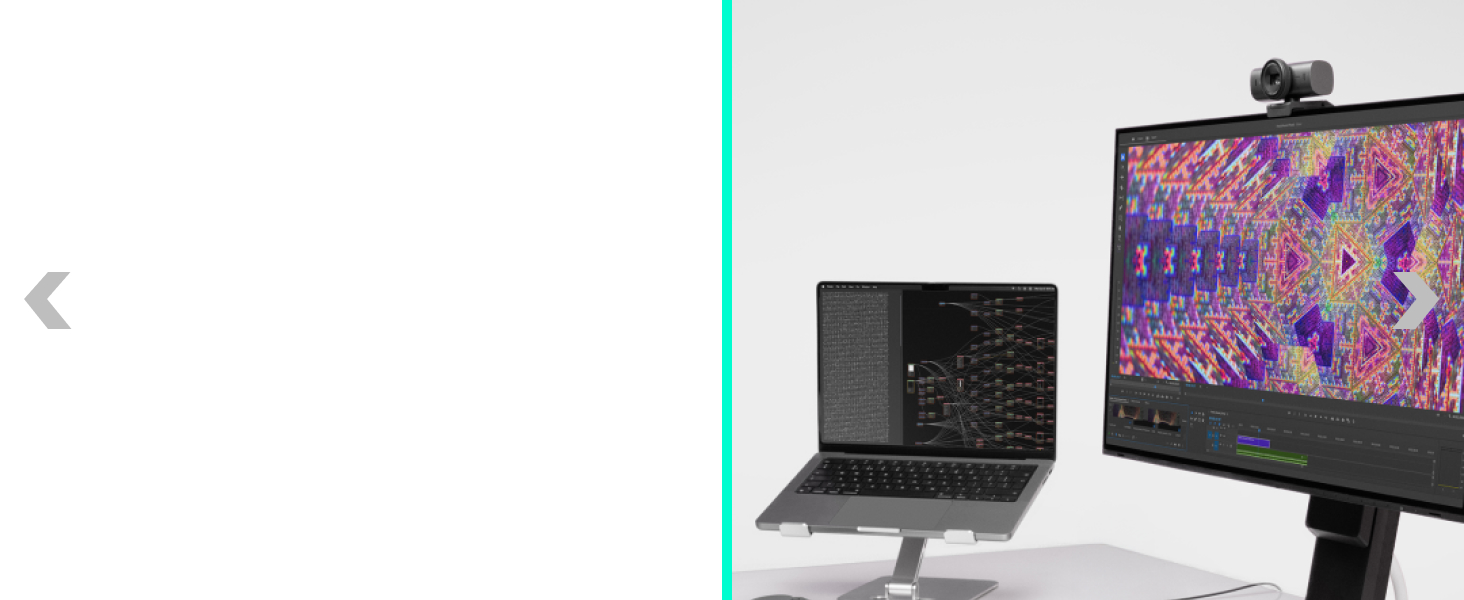
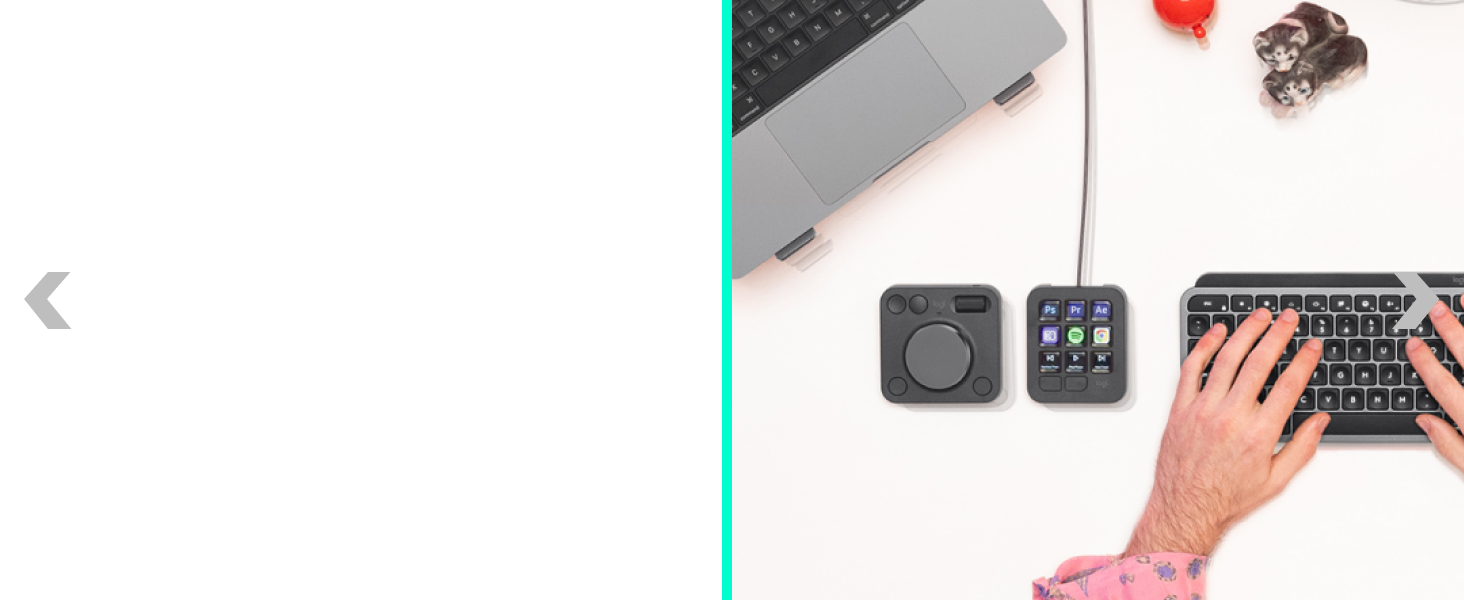

Laptop-like typing made better with keys shaped for your fingertips and smart illumination. The keyboard follows the mouse automatically when switching devices.
Level up calls with 4k video, streaming optimization and adjustable field of view settings. Optimized for streaming with a wide, adjustable field of view.
Access tools, shortcuts, and actions effortlessly with the customizable LCD display keypad and take control with precise tactile analog controls on the wireless dialpad.
Get premium audio for your music and calls, reliable wireless connectivity, and a background-noise cancelling mic.